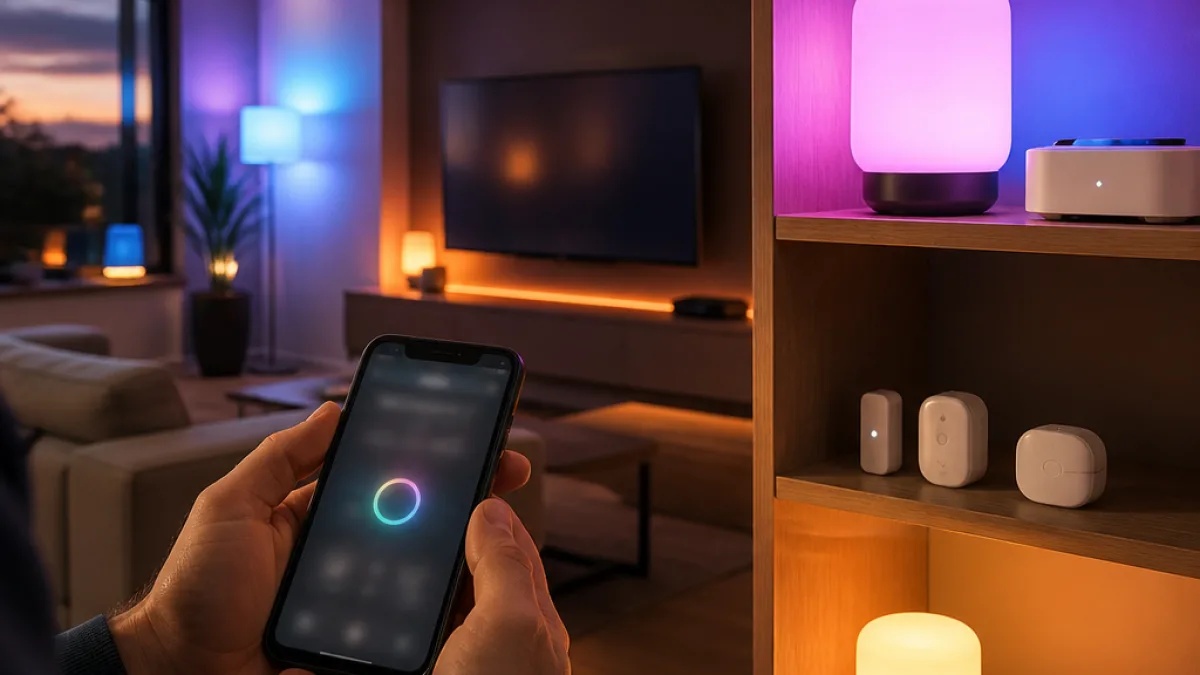
Philips Hue has released its delayed Custom AI Behaviors feature, giving users a natural-language method for creating lighting and accessory automations. The capability requires version 6.4.0 of the Philips Hue app and the latest firmware for a Hue Bridge Pro.
The iOS version of the app update is available through the Apple App Store. Philips Hue said the Android release is expected to follow soon. The original white Hue Bridge is not supported, making the Bridge Pro a requirement for systems using the new assistant.
Automation creation moves into several parts of the app
Custom AI Behaviors can be reached from the AI Assistant icon on the app’s home screen, as well as from individual rooms and zones. Philips Hue has also placed the function in the Automations tab and within configuration screens for switches and sensors.
“You can now create richer, more personalized automations for your lights and accessories simply by describing what you want,” Philips Hue said.
The feature is intended to turn a plain-language request into a configured automation. Hueblog reported that the launch had originally been expected roughly four weeks earlier, before the rollout was delayed. The update therefore arrives as a software change rather than a new lighting-hardware announcement.
Early testing exposes limits around fixture selection
Hueblog tested the feature through a remote connection using an automation that was meant to switch on two selected lights at sunset and rotate among 10 gentle scenes. The assistant created an automation and assigned the requested scenes, but the resulting behavior also activated the other lights in the room.
A further instruction to restrict the automation to the two chosen fixtures produced an error instead of correcting the configuration. Hueblog concluded that creating a separate zone containing only those lights might be necessary before attempting the automation again. The report also identified the broader limitation as dependence on the assistant’s reasoning: when the generated setup does not match the requested fixture scope, the app provides no conventional path to manually repair that behavior within the reported workflow.
Deployment requirements
- App: Philips Hue version 6.4.0.
- Hardware: Hue Bridge Pro with current firmware.
- iOS status: Available through the Apple App Store.
- Android status: Expected soon.
- Unsupported hardware: The older white Hue Bridge.
For lighting professionals maintaining Hue installations, the update separates the software feature from the hardware environment required to run it. A current app alone is not sufficient: the Bridge Pro and its latest firmware are also part of the deployment. The reported automation behavior further indicates that room and zone organization remains important when a request needs to target selected fixtures rather than every light assigned to a room.
Custom AI Behaviors expands the Hue app’s automation interface, but the initial report points to a practical distinction between describing an intended scene and obtaining precise device-level execution. The feature is now available on Apple’s platform, with Android availability still pending, while Bridge Pro compatibility remains mandatory.