Apple has started distributing HomePod software version 27.2 to all current HomePod models, bringing a set of audiovisual and usability changes that professional integrators should note for installations and system planning. The update carries features first shown with Apple’s recent hardware announcements and links some capabilities to corresponding macOS and tvOS updates.
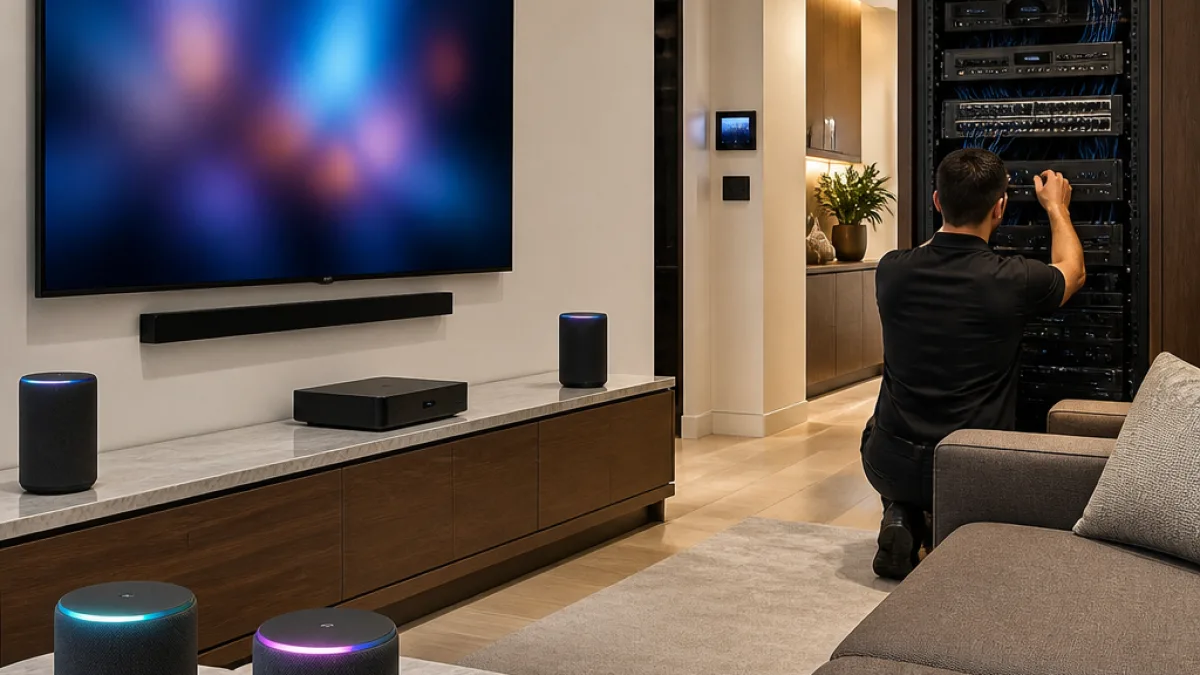
“HomePod software version 27.2 brings the new Sound Glow visual experience, home theatre surround sound with Apple TV 4K (4th generation), and support for using HomePod speakers with your Mac, along with bug fixes and security updates for your HomePod. • Sound Glow on HomePod mini, HomePod mini 2 and HomePod (2nd generation) turns the top of HomePod into a visual display that pulses and glows in sync with your media and shows matching light animations for soundscapes • Home theatre surround sound supports connecting four HomePod speakers to Apple TV 4K (4th generation) for an immersive listening experience. Requires matching front and rear pairs of HomePod mini 2 or HomePod (2nd generation) • HomePod speakers with your Mac lets you set HomePod as the audio output for everything you do on your Mac, with a responsive and persistent AirPlay connection • Lock controls let you disable the touch controls on top of HomePod to prevent accidental taps from pausing music, skipping songs, or changing the volume”
What installers need to know
The update adds the Sound Glow visual effect for compatible HomePod models and expands home-theater options by enabling four-speaker surround when paired with the Apple TV 4K (4th generation). Apple says some features require corresponding system updates: installers and clients will need macOS 27.2 and tvOS 27.2 to enable all functions Apple describes.
Models and feature limits
- Sound Glow is available on HomePod mini, HomePod mini 2 and HomePod (2nd generation); Apple does not support the original 2017 HomePod for the feature.
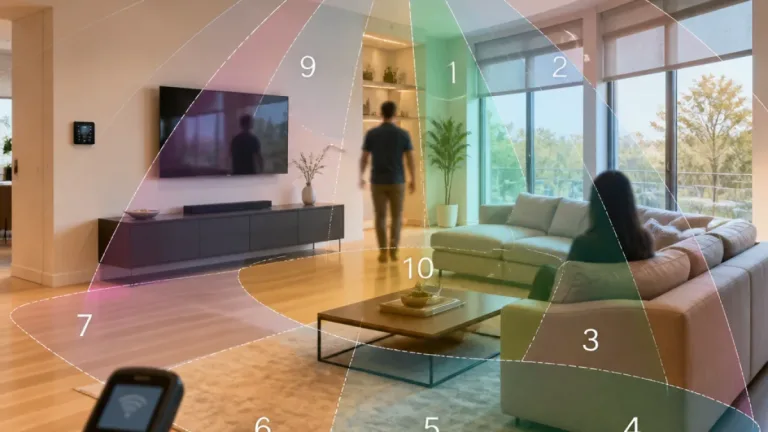
- Home theater surround requires the Apple TV 4K (4th generation) and matching front and rear speaker pairs that are either HomePod mini 2 or HomePod (2nd generation).
- Mac audio support lets users select a HomePod as the Mac output for all audio via a persistent AirPlay connection, per Apple’s release notes.
- Lock controls allow disabling the top touch surface to prevent accidental media control taps.
Installation and compatibility considerations
Apple indicates the update is applied through the Home app on iPhone, iPad and Mac. Because several features depend on device OS parity, integrators should verify client systems are on macOS 27.2 and tvOS 27.2 where those functions will be used. The four-speaker surround mode also requires specific speaker pairings; installers configuring multiroom or home-theater setups should plan speaker placement and pairing to meet Apple’s matching-pair requirement.
| feature | affected models / requirements | channel / notes |
|---|---|---|
| Sound Glow | HomePod mini, HomePod mini 2, HomePod (2nd generation) | Update via Home app; original HomePod (2017) not supported |
| Home theater surround | Apple TV 4K (4th generation) + matching front and rear pairs (HomePod mini 2 or HomePod 2nd gen) | Requires tvOS 27.2 for full functionality |
| HomePod as Mac audio | HomePod models with HomePod software 27.2; requires macOS 27.2 for some features | Persistent AirPlay connection; sets HomePod as system output |
| Lock controls | All updated HomePod models | Disables top touch surface to avoid accidental control |
For installers and integrators managing larger HomeKit deployments or custom theater systems, the update may require coordination with clients on OS upgrades and speaker matching. The Sound Glow visualizer could affect aesthetic decisions where HomePod units are in view, and the new lock control may be useful in public or high-traffic spaces where accidental top-panel taps have been an issue.
Apple lists the release as containing bug fixes and security updates in addition to the new features. Installers should follow their usual testing and staging procedures before applying updates in production environments, and confirm every client device meets the OS prerequisites Apple specifies.