Sanus has launched two purpose-built mounts for the recently released Sonos Beam Ultra, giving installers the option to secure the Dolby Atmos soundbar either directly to a wall beneath a display or suspended from a TV mount. The new Soundbar Wall Mount and Soundbar TV Mount are positioned to simplify installation, cable management and alignment for integrators working with the Beam Ultra.
Mounting options and cable management
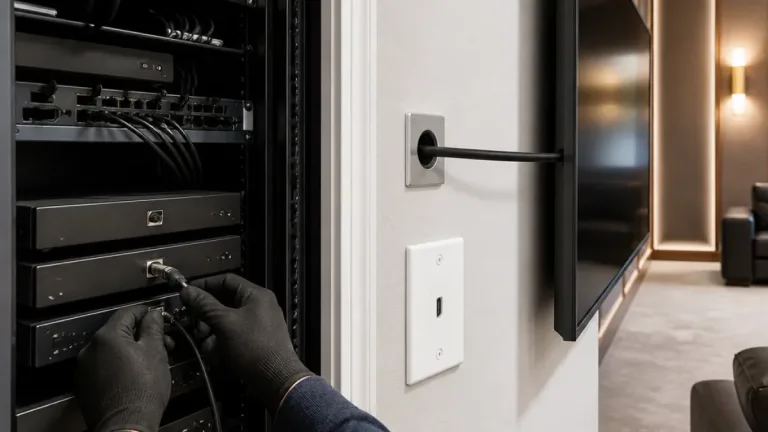
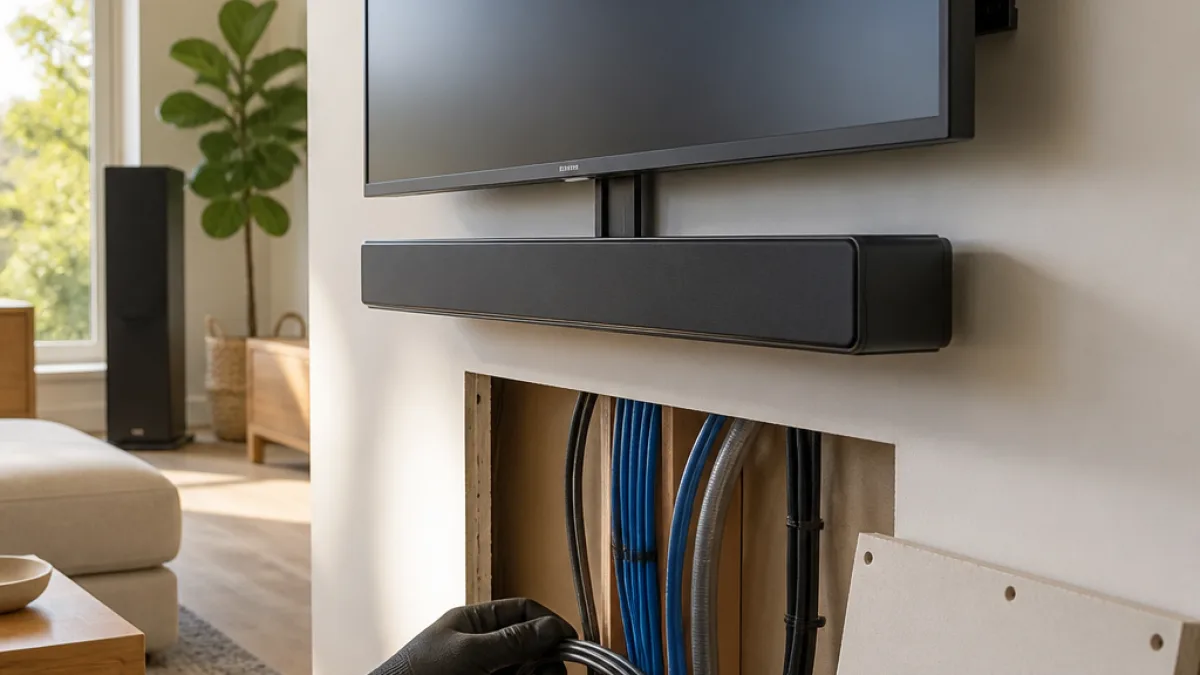
The Soundbar Wall Mount is designed to be screwed to the wall beneath a TV and can be fitted to dry-wall, stud-work or solid walls using the included fixings. The mount features a cable management opening located behind the Beam Ultra’s input sockets so installers can run the soundbar’s connections into the wall and keep them invisible from the front. Sanus notes the wall solution is well suited for use with the Sanus in-wall power and cable solution, enabling a finished look with no visible support or cabling.
For projects where the TV is already on a wall bracket — particularly full-motion designs — the Soundbar TV Mount fastens to the TV bracket so the Beam Ultra moves with the screen. A single vertical column supports the soundbar beneath the display and provides 34cm of vertical adjustment to fine-tune placement regardless of TV size. Sanus states the TV mount is compatible with screens from 42in to 90in and is available in black only.
Acoustic placement feature
Because the Beam Ultra includes forward- and upward-firing drivers for height-channel effects, Sanus engineered an extendable mechanism that lets the soundbar be pulled forward by up to 100mm. That forward travel allows the Beam Ultra to protrude in front of the screen, giving the upward-firing drivers a clearer path to the ceiling.
"The release of these new mounts continues our close working relationship with Sonos," says Dean Carroll, International Sales Director, Consumer. "Our respective US based design teams have cooperated on new product development for a number of years now, to ensure purchasers of Sonos’ latest products are well
The wall mount is offered in black or white, while the TV mount is supplied in black only. Sanus positions the mounts as complementary to the Beam Ultra’s Dolby Atmos configuration and as a way to achieve clean installation with concealed cabling and integrated power options.
- Two dedicated mounts: Soundbar Wall Mount and Soundbar TV Mount
- Wall mount compatible with drywall, stud-work and solid walls; includes fixings
- TV mount supports screens 42in–90in with 34cm vertical adjustment
- Extendable forward travel up to 100mm to clear screen for upward-firing channels
- Wall mount available in black or white; TV mount available in black only
| Manufacturer | Product | Key features | Color options |
|---|---|---|---|
| Sanus | Soundbar Wall Mount for Sonos Beam Ultra | In-wall cable opening, fits drywall/stud/solid walls, compatible with Sanus in-wall power | Black, White |
| Sanus | Soundbar TV Mount for Sonos Beam Ultra | Attaches to TV bracket, 34cm vertical adjustment, syncs with full-motion TV mounts | Black |
Both mounts were developed in cooperation with Sonos design teams, according to Sanus, and aim to deliver a concealed, floating look while preserving the Beam Ultra’s upward-firing drivers’ access to room acoustics. The announcement emphasizes installer-friendly features such as included fixings and compatibility with Sanus’ in-wall power and cable accessories.