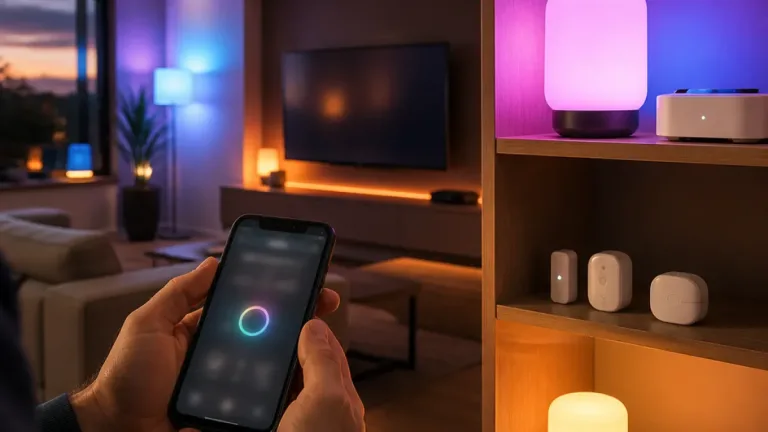
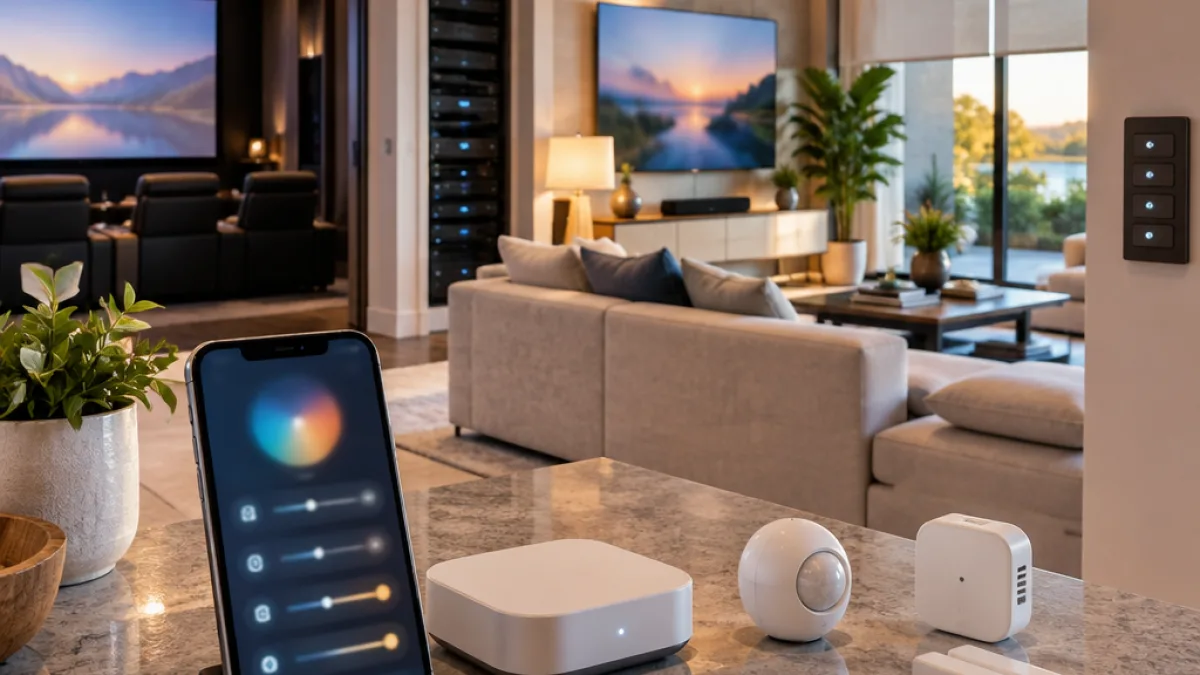
Philips Hue has released version 6.6.0 of its mobile app for Apple devices, adding changes to the platform’s recently introduced Custom AI Behaviors. The update gives users a more direct route to creating AI-assisted lighting automations and allows those behaviors to work with grouped sensors.
The application update is available through the Apple App Store. An Android release is expected to follow shortly through the Google Play Store. Philips Hue introduced Custom AI Behaviors less than a month before this update, positioning the feature as a way to build lighting routines through AI rather than constructing every automation manually.
“We’ve made further improvements to Custom AI Behaviors. You can now start creating them more easily from the ‘Automations’ tab, use them with sensor groups, and find the behaviors you’ve created in the ‘Rooms’ and ‘Zones’ they affect,” Philips Hue says in the app’s update description.
Changes to the automation workflow
Version 6.6.0 moves the starting point for Custom AI Behaviors into the app’s Automations tab. That change places the AI function alongside the existing automation workflow instead of requiring users to locate it elsewhere in the application.
The update also broadens the devices and spaces that can be used with an AI-generated behavior. A group of motion sensors can now serve as part of the automation, while the resulting behavior can be found in the Rooms and Zones that it affects. For lighting projects organized across multiple areas, the revised structure provides a clearer way to identify where a behavior has been applied.
- Custom AI Behaviors can be initiated from the Automations tab.
- Grouped motion sensors can be used with the behaviors.
- Created behaviors appear in the relevant Rooms and Zones.
Hue Bridge Pro imposes a current limit
There is a capacity consideration for systems that rely heavily on the new feature. Each Custom AI Behavior uses one “formula” on the Hue Bridge Pro, and the bridge currently stores up to 25 formulas. Philips Hue is expected to raise that number, although the timing of such an increase has not been specified.
| Item | Details |
|---|---|
| App version | Philips Hue 6.6.0 |
| First platform listed | Apple App Store |
| Android status | Expected shortly on Google Play Store |
| Hue Bridge Pro capacity | Up to 25 formulas |
| Price | Free |
The current implementation also keeps the editing process within the AI feature. Once a Custom AI Behavior has been created, its individual settings cannot be adjusted manually; changes must be made through the AI. That limitation distinguishes the new workflow from conventional automation programming, where an installer or user can generally refine individual conditions and actions directly.
For dealers and integrators working with Hue-based lighting scenes, the update is therefore primarily a change to automation organization and sensor handling rather than a new lighting hardware release. The immediate considerations are the app platform being used, the placement of sensor groups, the Rooms and Zones affected, and the formula capacity of the Hue Bridge Pro.